
Lay out your work, see exactly how it will burn and how long it'll take, line it up on the material, then send it to the laser — through Kerf Bridge, or straight down a USB cable from your computer.
On a computer: Mac, Windows and Linux
On iPad
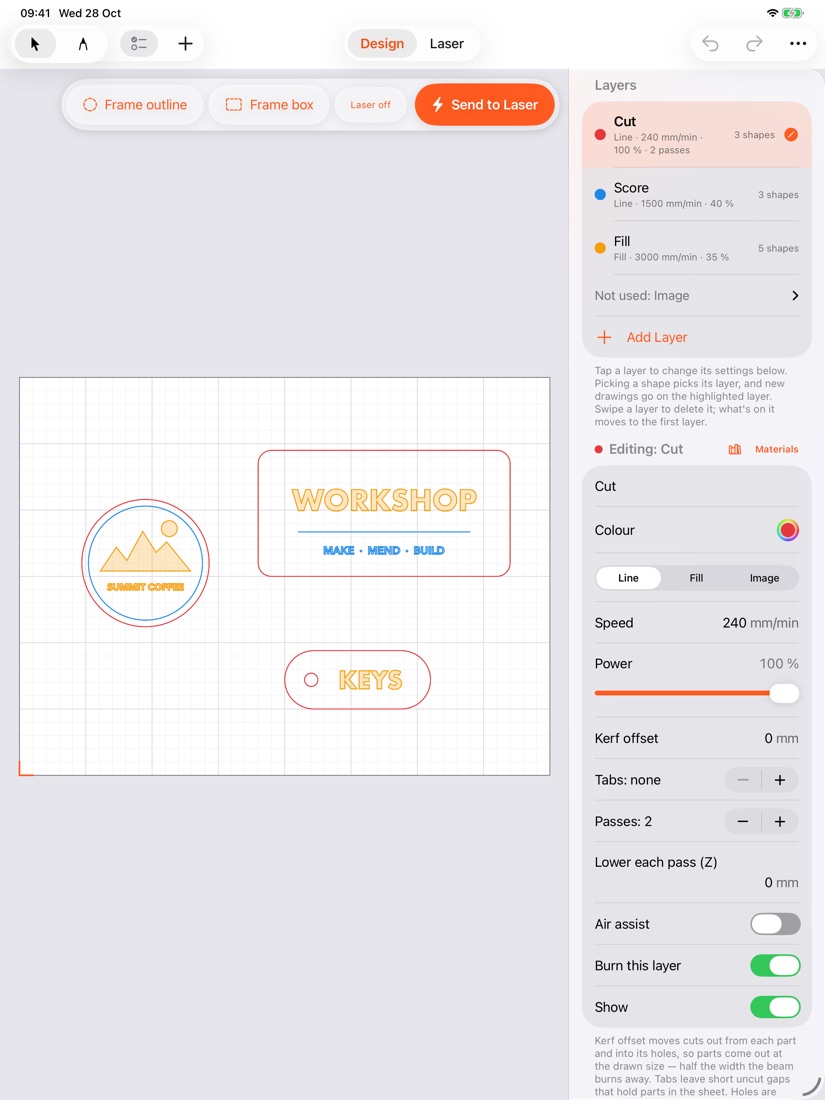
Everything from a blank bed to a finished burn, in one place.
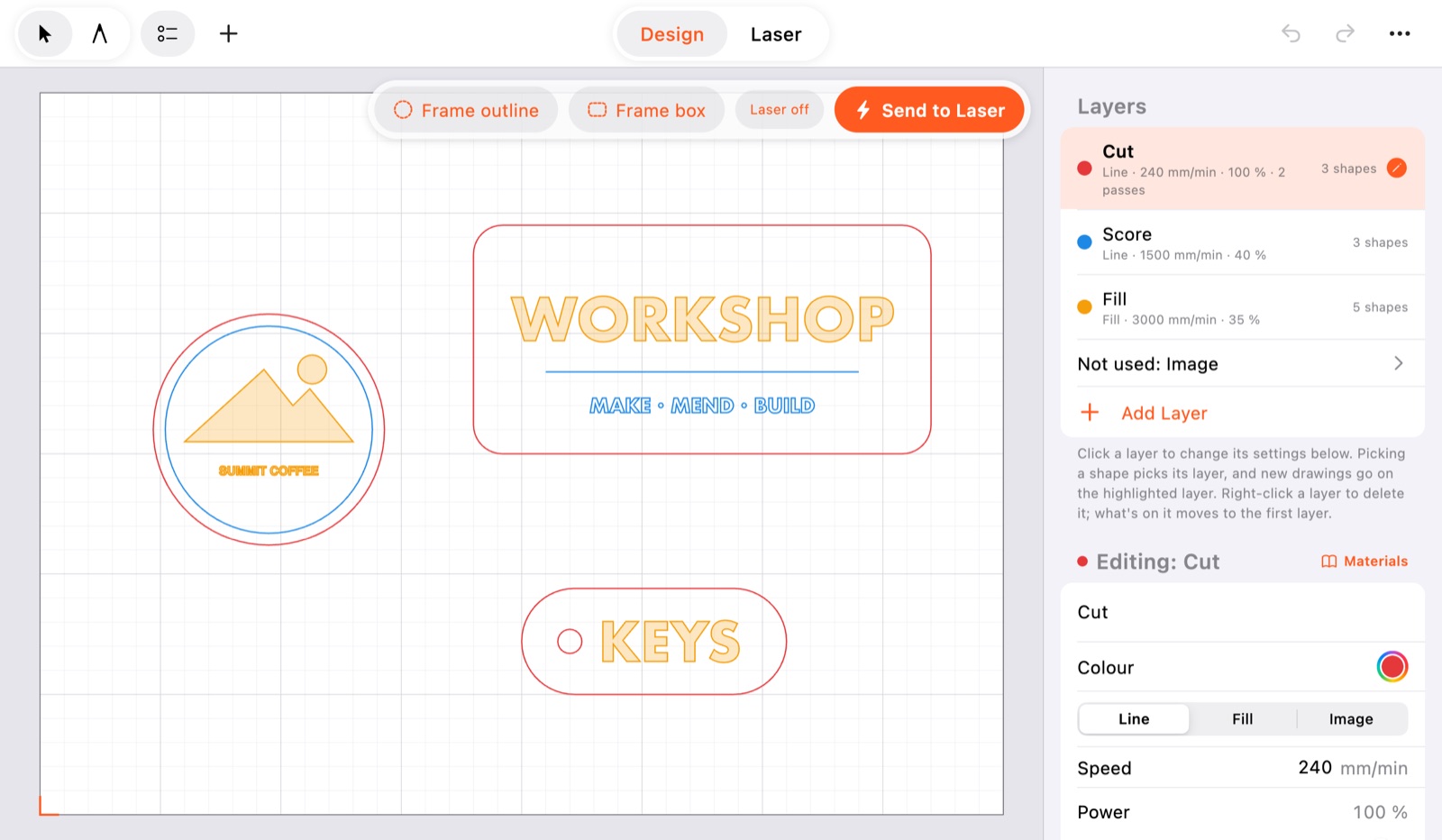
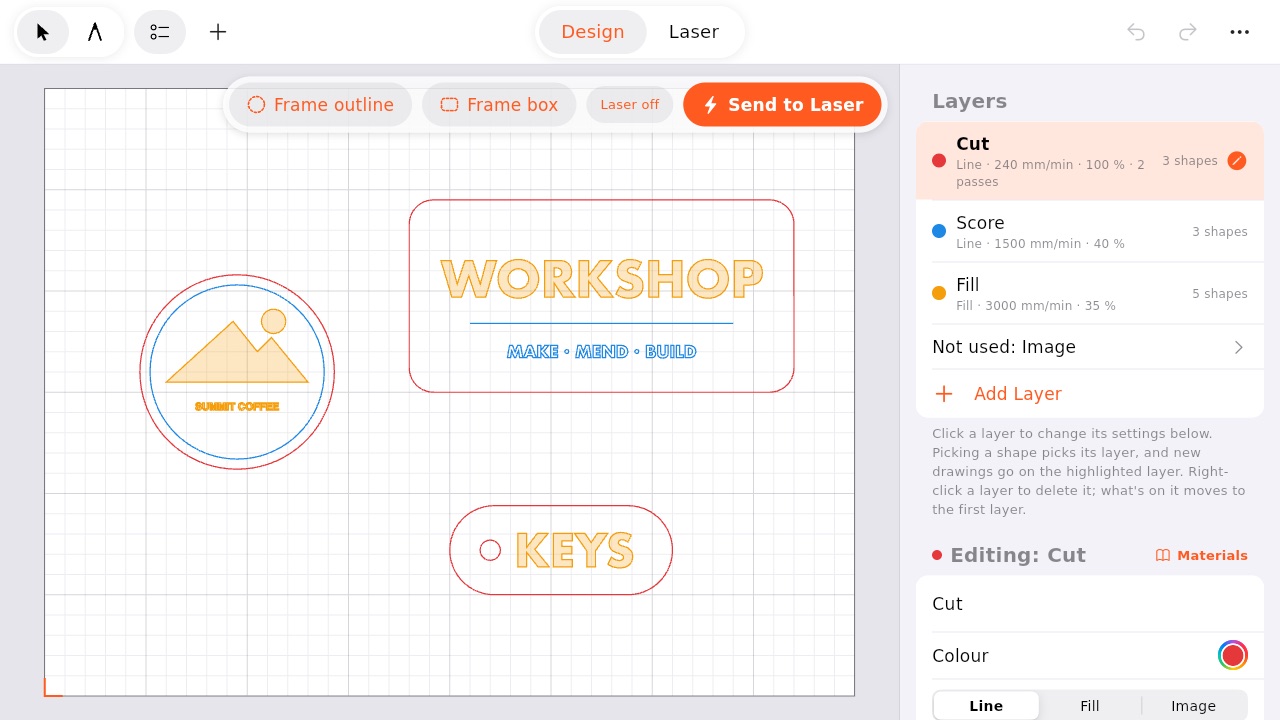
Draw shapes, add text in any font (on a circle, too), and bring in SVG, DXF and PDF drawings and photos. Align, space, combine, array and offset.
Each layer cuts, scores or fills at its own speed, power and passes. Start from the maker's own settings for popular lasers, or ones you've saved.
Engrave photos with seven ways of dithering, get them engrave-ready in one step, or trace them into outlines to cut.
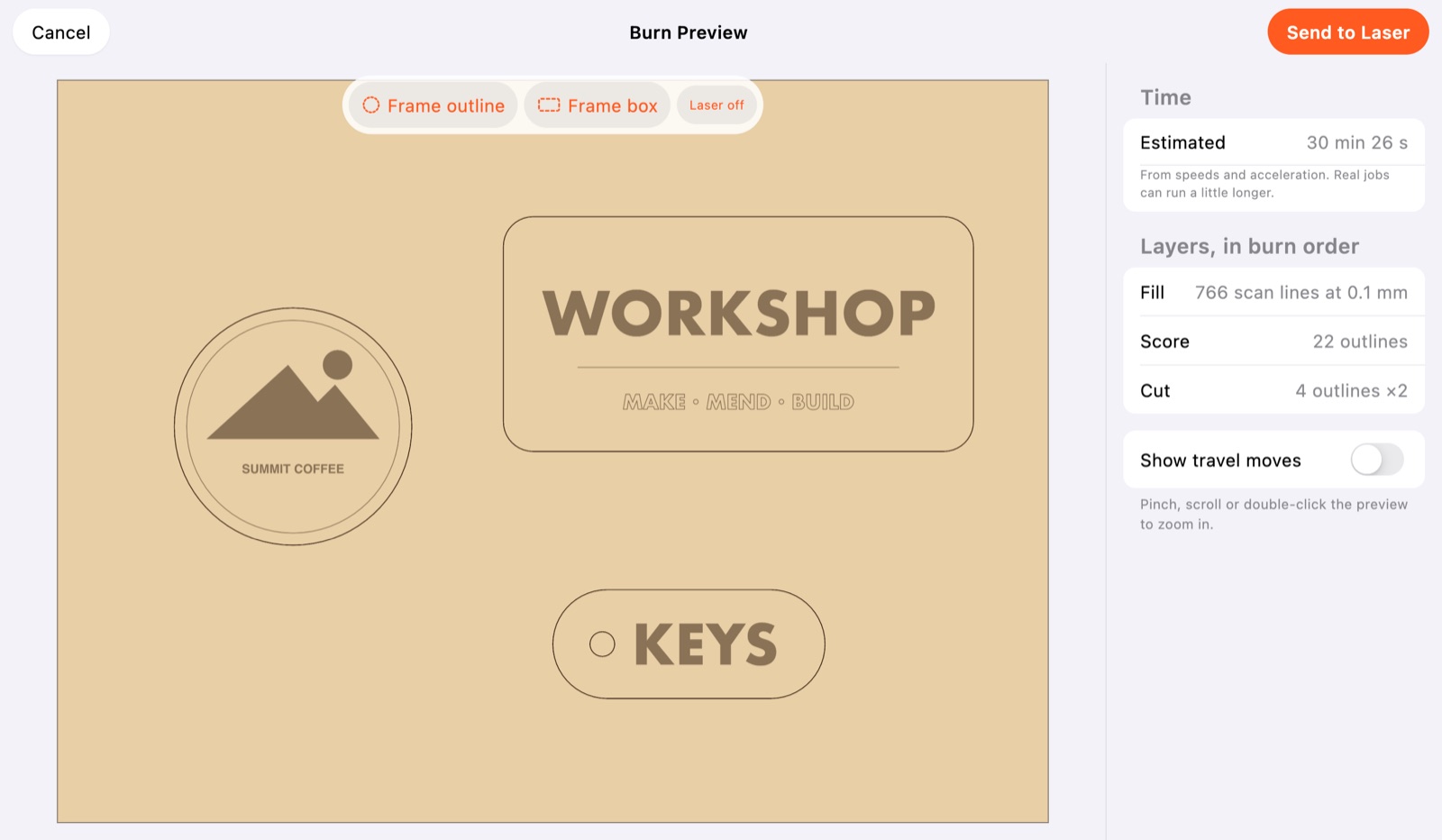
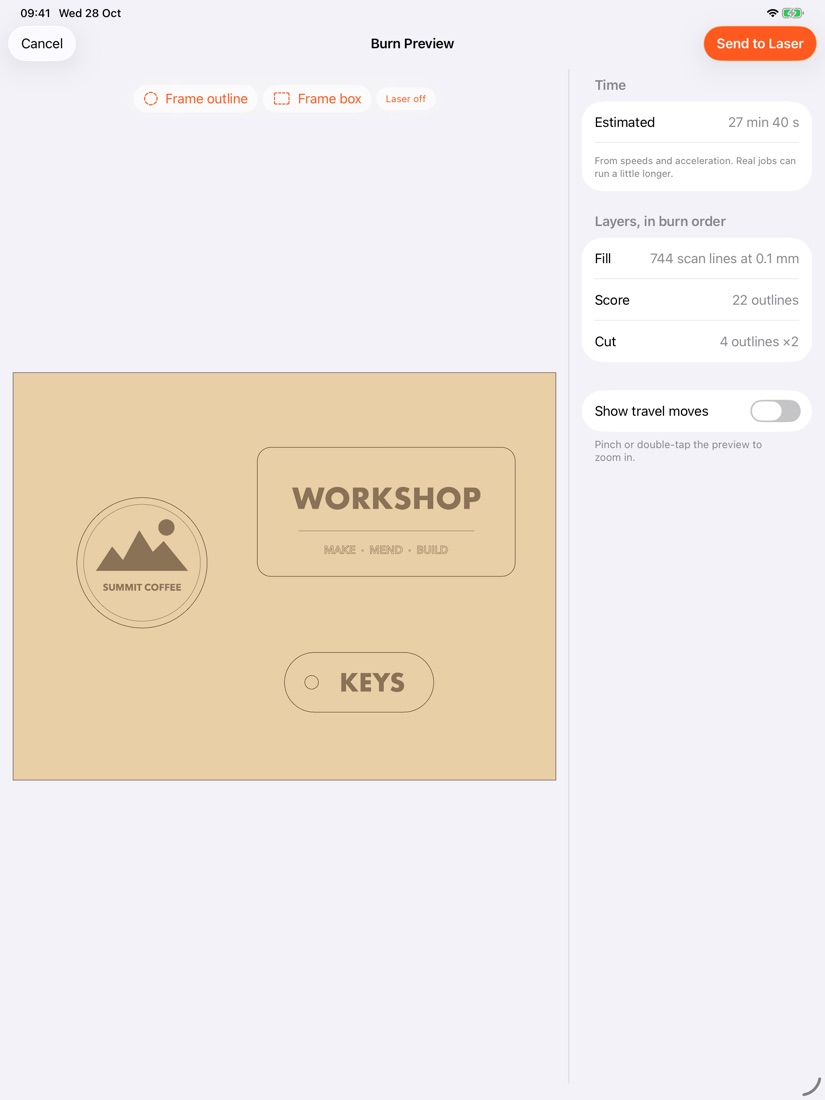
Burn Preview draws the job on wood, in burn order, with the time it will take and anything that won't burn.
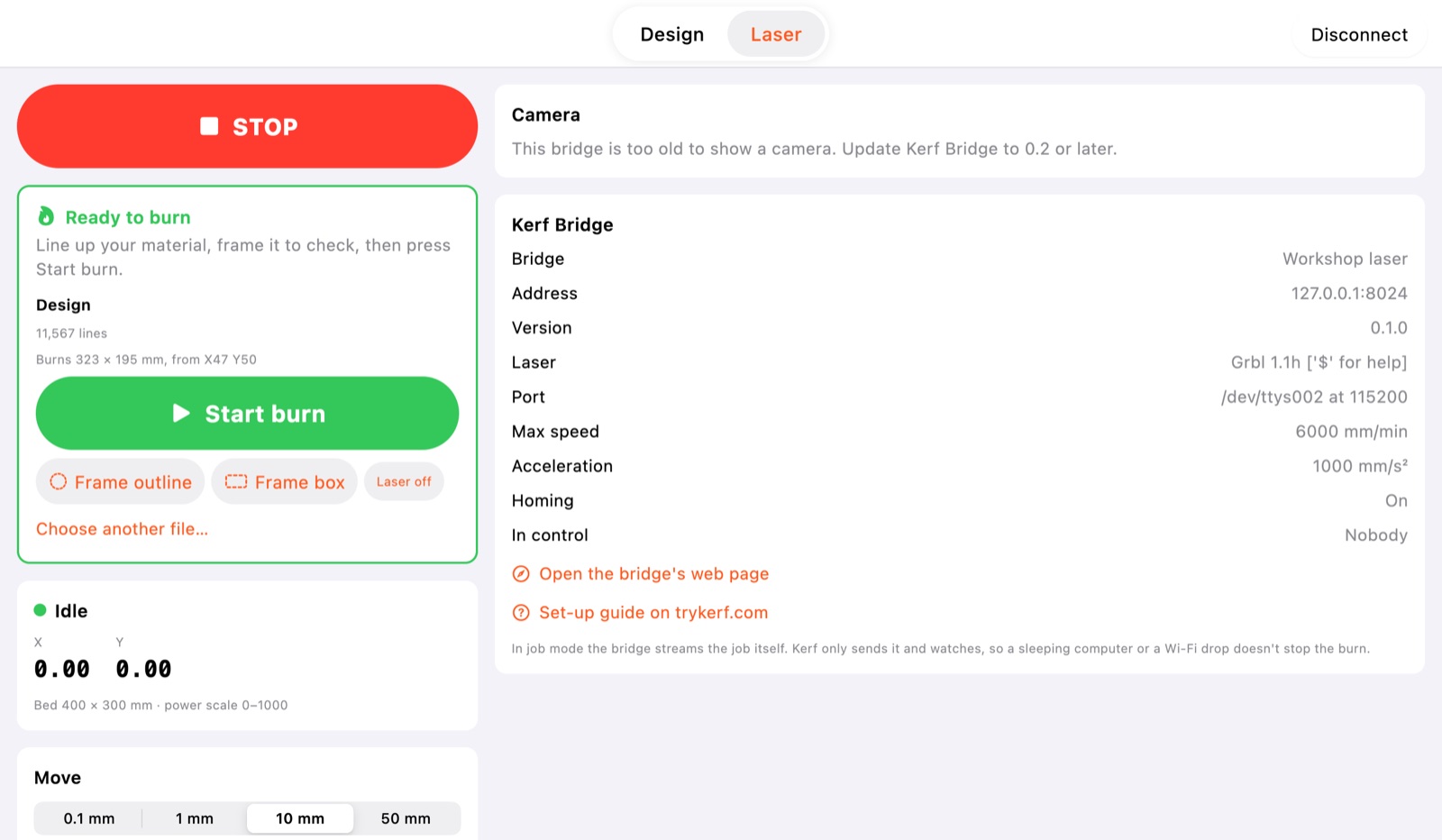
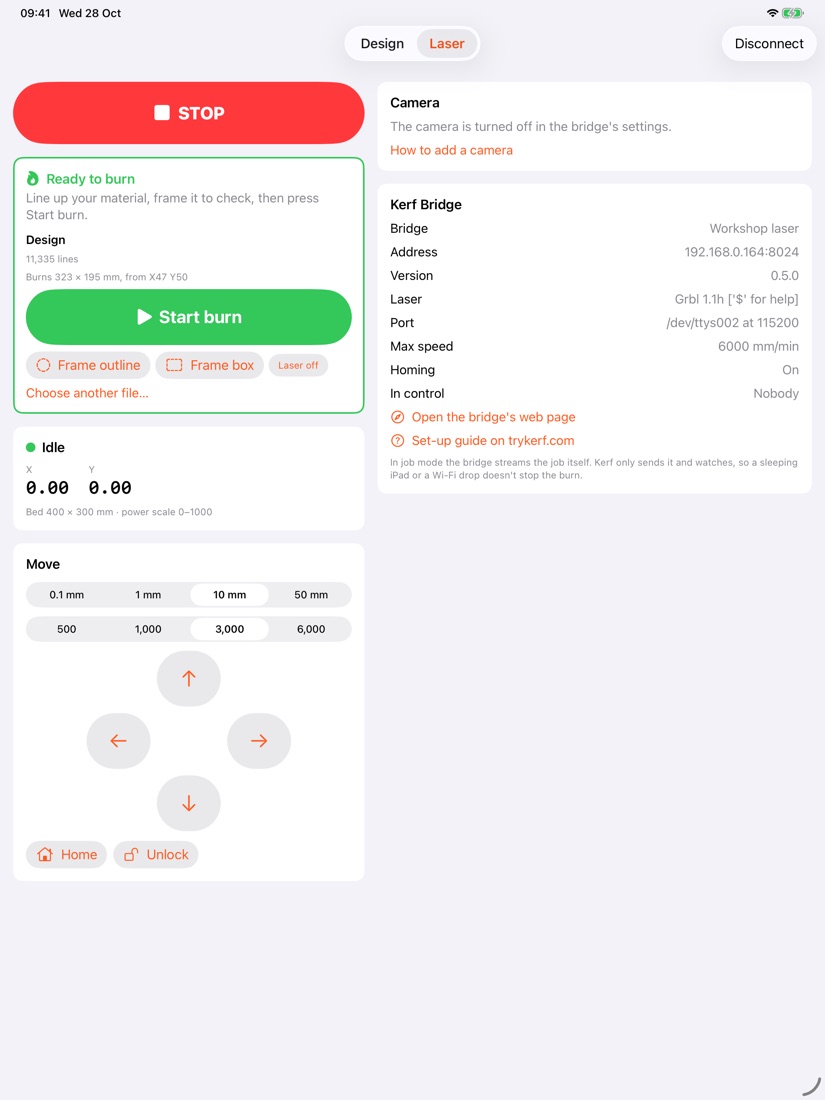
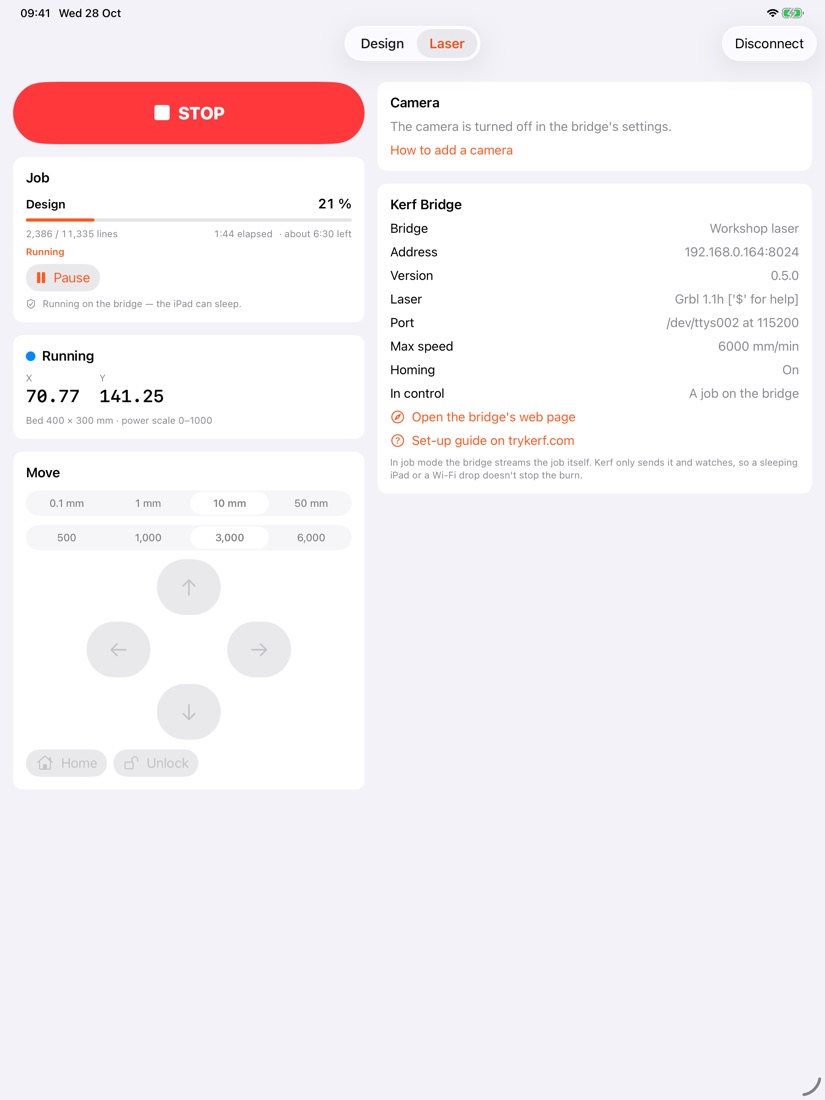
Trace the outline or the box on the material first, then start. Pause, resume or stop at any point.
With a camera on Kerf Bridge, the bed's picture sits under your design, true to size, and Kerf can find the piece you've laid down and fit your work to it.
Burn a grid of speeds and powers on a scrap to find the settings for a new material, then save them.
Text fields fill in a serial number, today's date, or each row of a spreadsheet, one job after another.
A .kerf design opens the same on iPad, Mac, Windows and Linux.
Kerf on a computer is free. On iPad it's in beta now, and will be on the App Store as Kerf: Laser Engraver.
Free. Burns through Kerf Bridge, or straight to a laser plugged into the computer by USB, with the bridge built in. An early alpha: expect rough edges.